NEWShifts  open and close the till with a cash count

Run your PlayStation café & gaming lounge like a pro.

PlayStation café & gaming lounge management software — sessions, billing, menu, staff, and shifts on one calm dashboard your whole crew can run from a single screen.

Arabic-first and fully bilingual — RTL built-in, no new hardware needed
pingo-pro-saas.com / dashboard 5 live now
Dashboard
Sessions
Bills
Menu
Reports
DEVICES BUSY
5/8
▲ busy
TODAY
$1284
▲ 12%
CLIENTS TODAY
31
+4 new

Live floor

8 devices
PS-01
47:12
Omar · hourly
PS-02
22:05
Aisha · multiplayer
PS-03
Open
PS-04
8:41
Karim · open time
PC-01
63:30
Yousef · billiards
PC-02
7:30
Ends · 7:30
VR-01
14:09
Lina · ping-pong
VR-02
Open
+$1.2Ktonight so far
The control room for modern gaming lounges
NeoArcadeRespawnLABPixelPitByteLoungeContinue?FragHaus
5
Device types out of the box
2
Languages — Arabic-first, full RTL
10
Permission-controlled modules
0
Installs needed — runs in the browser
Everything in one place

The front desk, the back office, and the floor — unified.

Stop stitching together a paper log, a calculator, and a spreadsheet. Pingo runs the whole night from one screen.

Explore all features

Live device board

Every PC, room, Xbox, ping-pong and billiards table on one screen — who's playing, time elapsed, and what's free. Synced live across every open screen.

Time & session billing

Hourly rates with separate single and multiplayer pricing. Run timed sessions or leave them open — the bill totals itself the moment play ends.

Menu & drinks on the same bill

Add snacks and drinks to any running session in a tap. Stock counts down as you sell, and everything lands on one numbered invoice.

Shifts & cash reconciliation

Open the shift with a cash count, close it clean with notes and per-shift KPIs. Every pound is accounted for at handover.

Staff roles & permissions

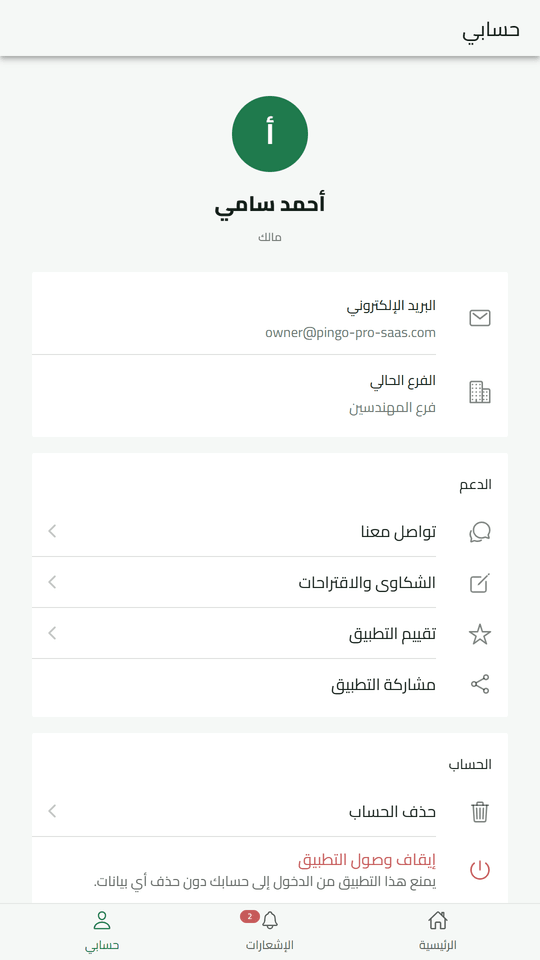
Give each employee exactly the screens they need — read, write, or execute per module — with a full audit trail behind every change.

Owner analytics

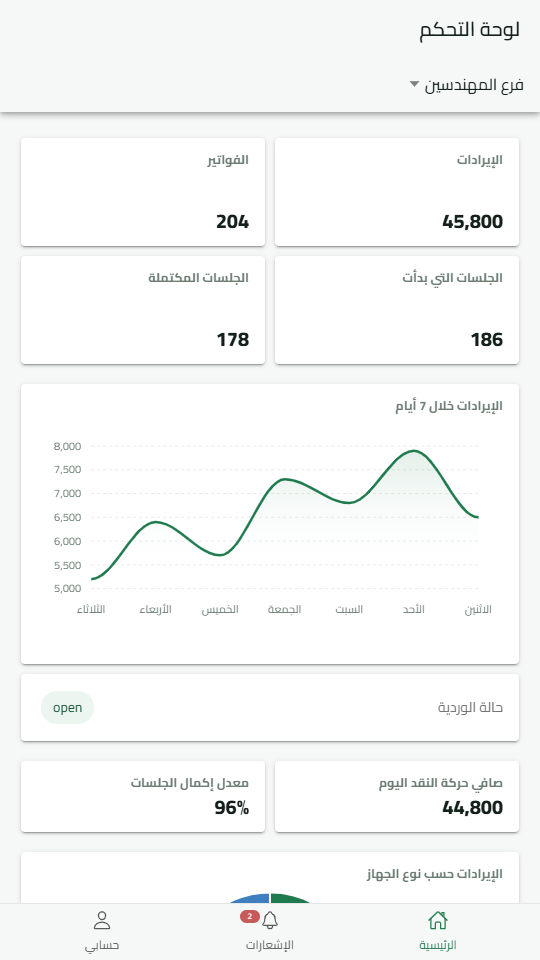
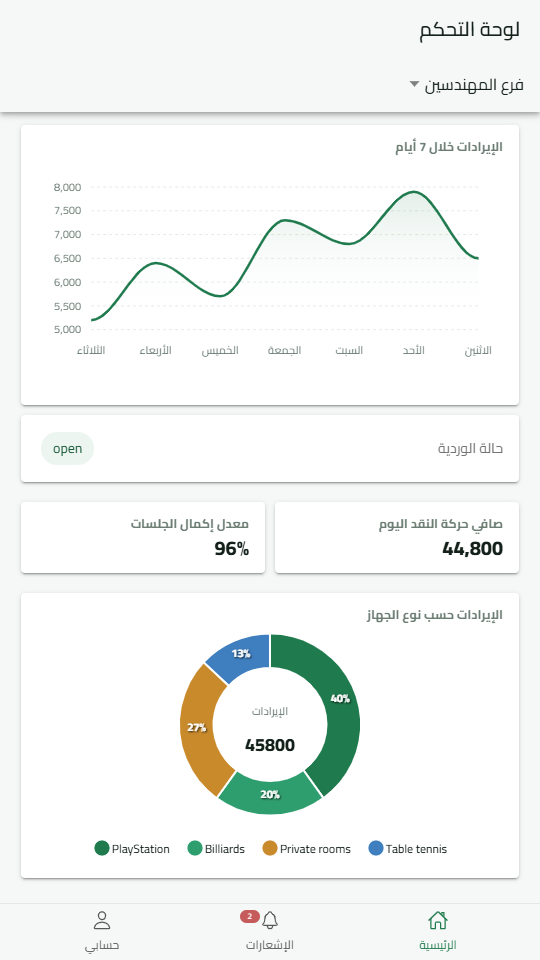
Revenue by day, week, or month, income per device type, top customers, and each employee's sales — ready the moment you open the report.

Up and running tonight

From paper chaos to a live floor in four steps.

No installs, no migration project. Set up your branch and start your first session before close.

1

Set up your branch

Add your branch, devices, and prices once. The built-in guide walks you through every step in minutes.

2

Open the doors

Start a session on any device with a tap — timed or open-ended — and the timer runs itself.

3

Track it live

Watch devices fill, sessions tick, and revenue rise in real time — on every screen at the counter.

4

Close the shift & learn

Cash out with a closing count, then let the reports tell you what to stock, staff, and schedule next.

Simple plans, no surprises

Plans that grow with your floor.

Every plan includes the full system — sessions, billing, shifts, and reports. Start on the free plan; no card to begin.

Free
Run the full system on one branch and see it on your floor.
Free
no card required
Start free
  • Live device board
  • Sessions & hourly billing
  • Receipt printing
  • Menu & orders
  • Email support
MOST POPULAR
3 Months
For a lounge running a full floor with a team.
Free
no card required
Choose 3 months
  • Everything in Free
  • Shifts & cash reconciliation
  • Staff roles & permissions
  • Owner analytics & reports
  • Email support
60 Months
Five years up front — the lowest monthly rate we offer.
Free
no card required
Choose 60 months
  • Everything in 3 Months
  • VIP rooms & packages
  • All branches in one account
  • Priority support
  • Price locked for five years
Good to know

Questions from owners, answered.

View all FAQs
No. Pingo Pro runs in any browser on the laptop, desktop, or tablet you already have at the counter. There is nothing to install and nothing to maintain — sign in and start your first session.
Start a session on any device — timed or open-ended. Time is charged at the device's hourly rate, with a separate multiplayer rate if you use one, and the bill totals itself the moment the session ends.
Yes — Arabic is the primary language with a full right-to-left interface, and you can switch to English from any screen. Invoices, reports, and owner alerts are bilingual too.
The counter keeps working. Your actions are queued locally in the browser and sync back automatically when the connection returns, so running sessions and bills are not lost.
Yes. Add branches under one owner account — each with its own devices, menu, and staff — and pick the branch you are working in at sign-in.
Every session and bill is sequentially numbered and recorded under the employee who made it, with an audit trail behind every edit. Role-based permissions control what each staff member can open, and closing a shift with a cash count surfaces any gap immediately — a real replacement for paper logs that can be rewritten.
Yes. Pingo Pro is cloud software that runs in any browser — watch live sessions, revenue as it happens, and sales and profit reports from your phone wherever you are, without being on the floor.
Add your menu once and stock decrements automatically with every sale on a bill. Reports show sales per item and per employee, and everything exports to Excel/CSV for stocktaking and review.
14 days with full access, no card required. Set up your floor, run a few real nights, and only pay if it earns its keep.
Contact us

Talk to a real person.

Questions about setup, pricing or moving your lounge over? Message us on WhatsApp — we usually reply within minutes.

Free for 14 days

Run your next shift the calm way.

Set up your branch in minutes and run your next session on Pingo Pro. No card, no setup fee, cancel anytime.