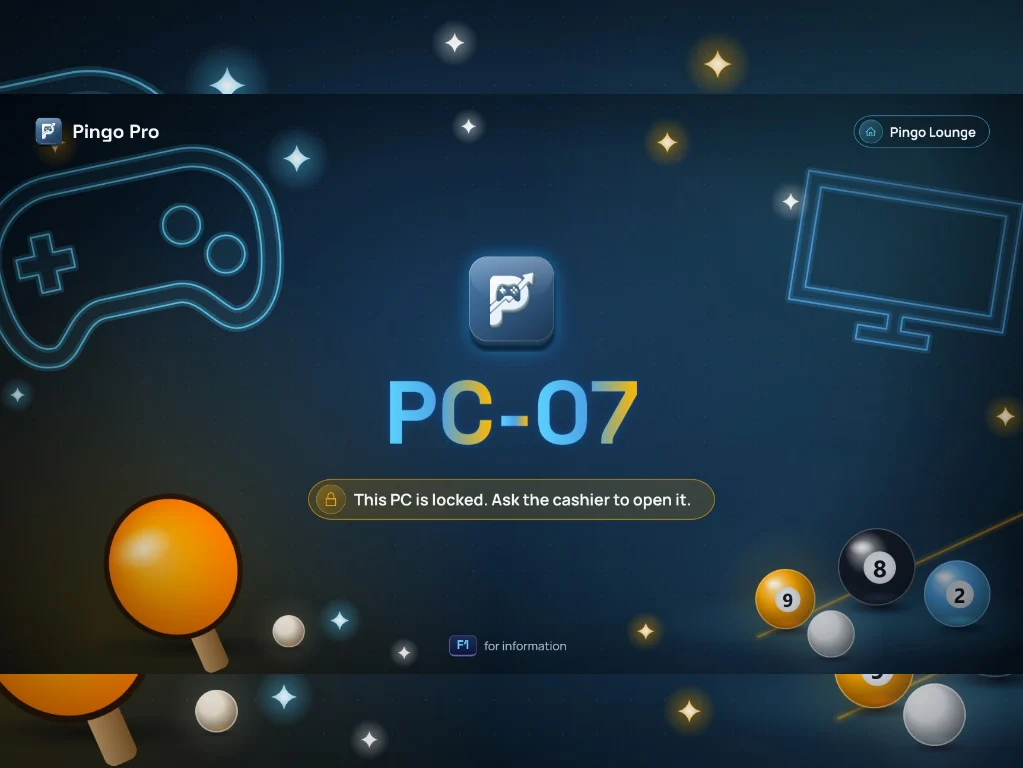
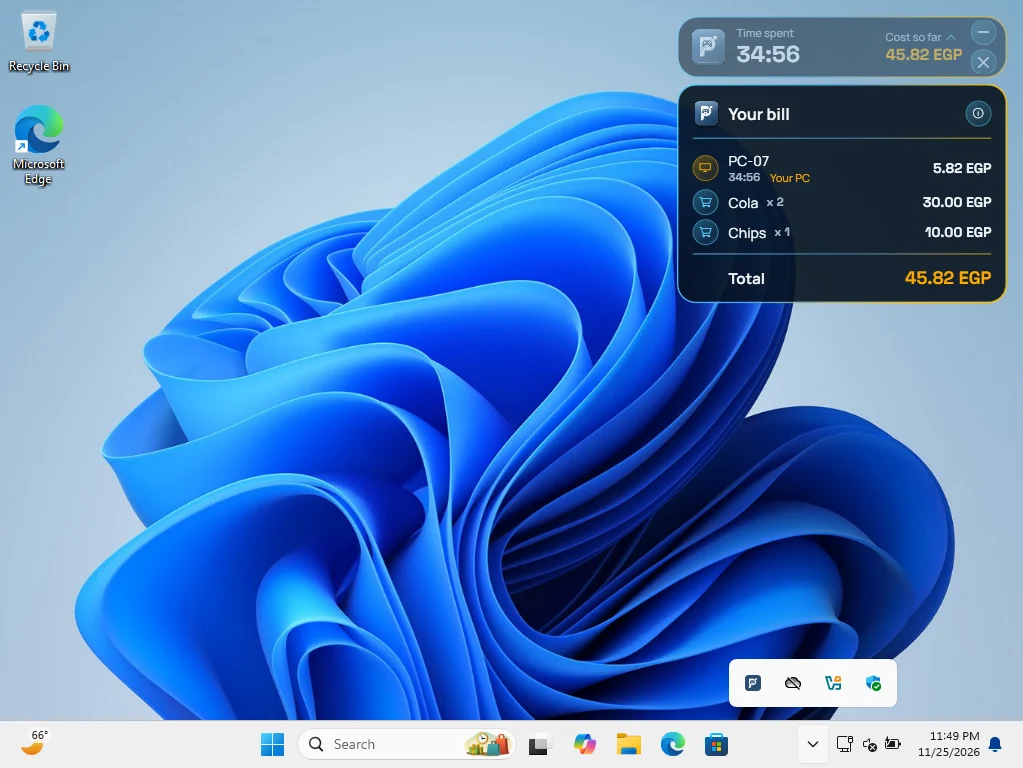
Your computer opens with the session and locks when it ends
The Pingo computer program. Install it once on each computer, then run everything from the cashier desk.
- Windows 10 / 11 (64-bit)
- Version 0.2.0
- 49.0 MB
On your phone?
Install in three stops.
A few minutes per computer. One step on screen, and your progress is kept if you close the page.
- The Windows administrator password
- A Pingo Pro account
- A "computer" device for each PC
- An internet connection
Step 1 of 6
On the customer computer1 minute
Download the file and extract it
Download PingoAgent-Setup.zip. Right-click the file and choose Extract All.
✓ You see
Check the file is intact (recommended)
certutil -hashfile PingoAgent-Setup.zip SHA256SHA-256 checksum
516dd30ea2e9697bb828f66cb54cb93a4cca3f607fbf22af1dbd0a5f0f83b63bOn the customer computer2 minutes
One account for customers, one for you
In Settings, Accounts, Other users, create a standard (non-administrator) account for customers. Set that account to sign in automatically. Keep the administrator account to yourself, with a strong password.
✓ You see
Extra protection (optional)
On the customer computer, as administrator2 minutes
Install the program
Open PowerShell as administrator: press Start, type PowerShell, then Run as administrator. Copy this command, paste it and press Enter: Get-LocalUser | Select-Object Name, SID- We build the install command for you. The value never leaves your browser.
- Go to the installer folder, then run the install command:
cd "$env:USERPROFILE\Downloads\PingoAgent-Setup".\PingoAgent-Setup.exe /S /CUSTOMERSID=<SID> /POLICIES=1
✓ You seeNo installer window appears, which is normal. The computer then shows the link code.
If the program is already installed without protection, uninstall it first, install with the command and link again.
Right-click PingoAgent-Setup.exe and choose Run as administrator. Finish the installer windows.
This way does not restrict the customer account, and the computer shows "weak protection" until you apply it.
✓ You seeThe installer's finished page, then the link code.
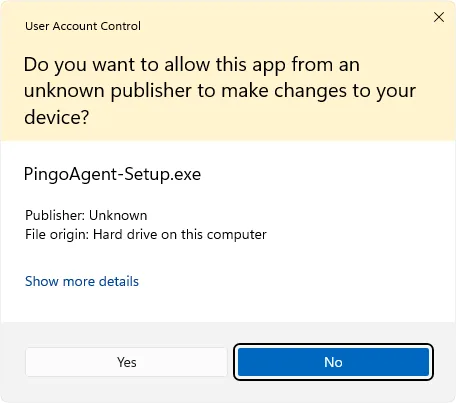
Did Windows show a warning?
On the customer computerSeconds
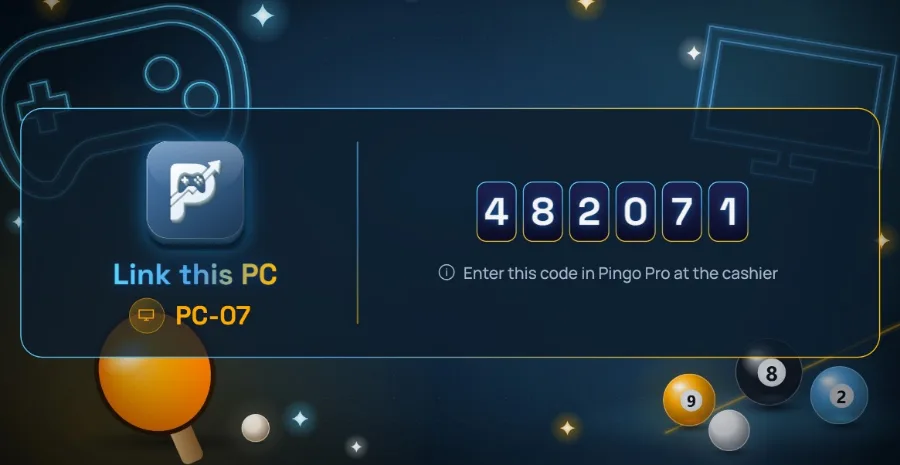
Read the code on the screen
The computer shows the "link this computer" screen with a code that is valid for 10 minutes. Write the code down or photograph it, and take it to the cashier.
At the cashier, in Pingo Pro1 minute
Link the computer to its device
On the Devices page, press "Link a computer". Type the code, then press "Find the computer". Check that the computer name is the one in front of you. Pick its device, then confirm the link.
✓ You see
The cashier and the computer3 minutes
Try it before the first customer
First: under Account, Settings turn on "Enforce the time limit" (owner). Without it the computer does not lock by itself.
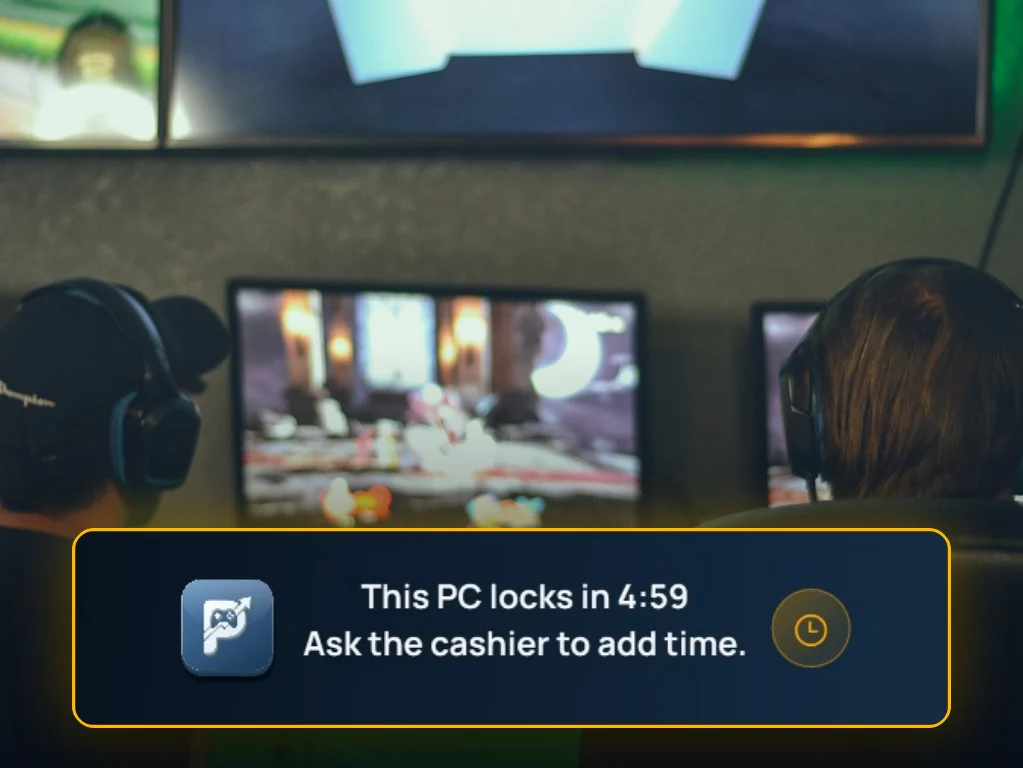
Open your shift and start a short timed session on the linked device. Watch the computer: it opens, warns, then locks. Collect or void the test bill on the Bills page.
✓ You see
This computer is ready
Another computer? Repeat the steps on it. Unlinking a computer in Pingo, or uninstalling the program, takes it out of control again.
Everything is automatic.
Opens and locks by itself
It follows the session you run: opens within seconds and locks the moment time ends. An open-ended session stays until the cashier ends it.
Warns before the end
1 to 30 minutes ahead (3 by default), so the player can save their game.
Works without internet
It still locks on time by its own timer, and opens for a new customer when the connection returns.
Keys locked for the customer, open for you.
When you ask it to, the program applies these Windows restrictions to the customer account only. They are re-applied every minute, and a change is reported as a tamper event.
Locked Task Manager
Cannot be opened, so a customer cannot end the program.
Locked Run dialog
Disabled, so nothing can be launched by name.
Locked Registry Editor
Disabled, so settings cannot be edited behind your back.
Locked Command Prompt
Disabled for the customer account.
Locked Windows-key shortcuts
They do nothing while the customer is signed in.
Locked Switch user, sign out, change password
Removed from the Ctrl+Alt+Del screen.
Nothing is ever written for an administrator account: the program refuses, and reports the computer as weak instead. Uninstalling restores every value it changed, and a value that did not exist before is deleted rather than set to zero.
Before you install.
Windows - 10 / 1164-bit
- Home, Pro and Enterprise all work; Pro and Enterprise can additionally use Windows Assigned Access.
Accounts - A standard customer account that signs in automatically, plus a separate administrator account for you.
Internet - A normal internet connection to reach Pingo. A short outage is fine: the computer keeps locking on its own timer.
Pingo Pro - A Pingo Pro account with the computer in your device list. Computer control is included in the free trial.
Firmware - Recommended: a BIOS/UEFI password, booting from USB turned off, and Secure Boot on.
Consoles - For Windows computers only. PlayStation, Xbox, billiards and ping-pong tables stay timed devices inside Pingo.
Questions before you install.
Tap your question to get the reply.
 Pingo
Yes, for what is already running. The computer keeps its last state and locks at the end time by its own timer. It cannot be opened for a new customer until the connection returns, because only a session in Pingo can open it.
Windows 10 and Windows 11, 64-bit. Windows is the only platform today.
On a standard customer account with the protections applied, a customer cannot open Task Manager, the Run box, the Registry Editor or Command Prompt, and the program restarts itself if stopped.
Yes. With the time-limit setting on in Pingo, the session ends and the computer locks together, after a warning you choose (1 to 30 minutes, 3 by default). Open-ended sessions stay open until the cashier ends them.
Use Windows Settings, Apps, Installed apps. The uninstaller restores every Windows value it changed, removes the service and deletes its data folder. You can also unlink the computer from the device in Pingo.
Computer control is part of Pingo Pro and is included in the free trial. See the pricing page for the plans.
This early build is not yet signed with a paid code-signing certificate. Verify the SHA-256 checksum shown on this page, and continue only if it matches.
Run your next shift the calm way.
Set up your branch in minutes and run your next session on Pingo Pro. No card, no setup fee, cancel anytime.
Questions? Email us at support@pingo-pro-saas.com